Survey Support for Canvas Quizzes
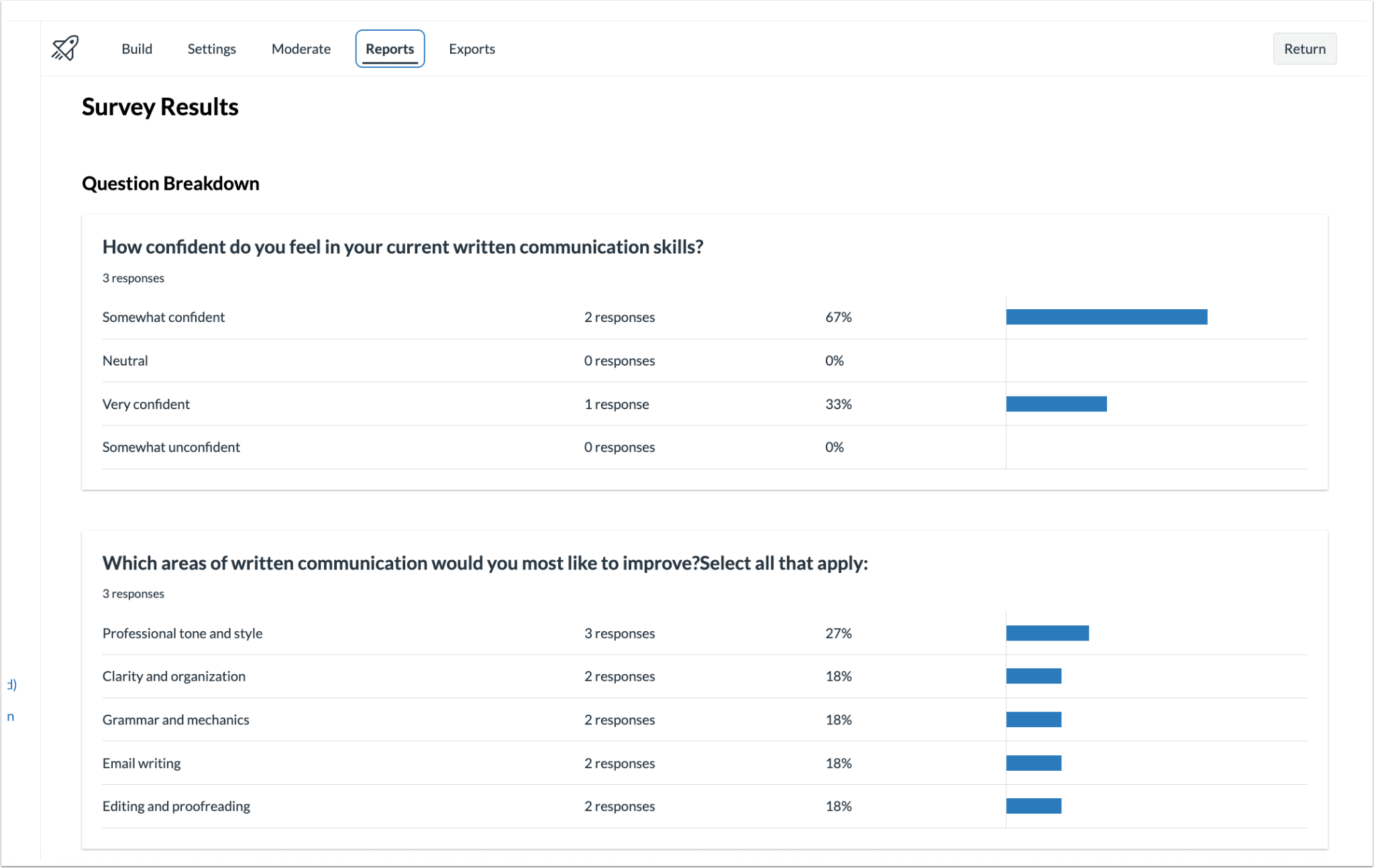
New Quizzes supports survey-style quizzes that can be anonymous or non-anonymous, and either graded or ungraded. Instructors can view survey results in the Reports tab.
Surveys can include these question types:
- Multiple Choice
- Multiple Answer
- True/False
- Fill in the Blank
- Essay
- File Upload
This feature helps educators engage students and encourage reflection. It also makes it easier to collect feedback and check student understanding.
Create the Survey
- Open your course.
- Go to Quizzes on the left-side menu.
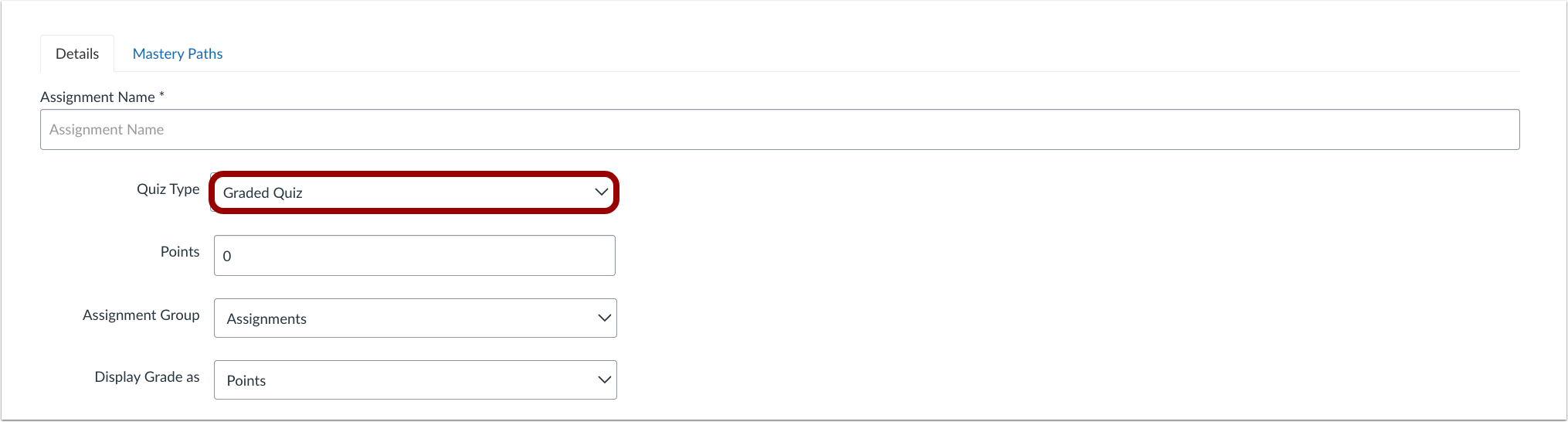
- Click on the Quiz Type drop-down menu to select the survey type.
- Start building your survey by clicking on the Build button at the bottom of the page. It’s pretty similar to creating a regular Quiz.
- Publish the survey so that the students can see and complete it.
View the Results
- Open the Quiz.
- Go to the Reports tab at the top.
- In the Reports tab, instructors can view a breakdown of the results for each question.
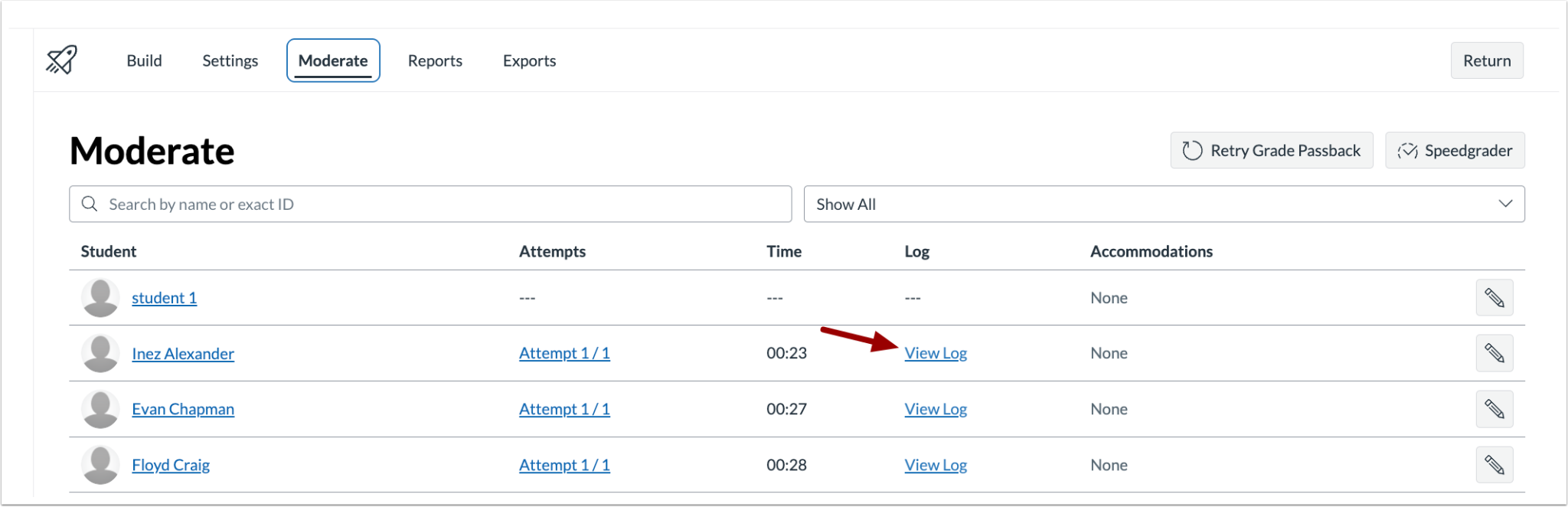
NOTE: Instructors can click the View Log link in the activity log’s Moderate tab to see individual results.