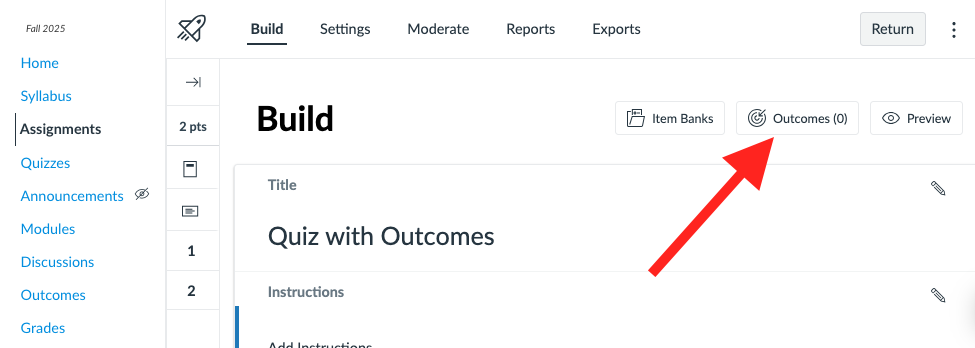
- Go to your Canvas course.
- Locate the Quiz and click on the name to open it.
- Click Build at the bottom of the page of a New Quiz
- Click the pencil icon next to a question.
- Scroll to the Align to Outcomes section.
- Select the outcome(s) and click Confirm Alignments.
- Please note: Course outcomes cannot be added to quiz questions that already live in an item bank.